SingingNumbers
The Happy Calculator
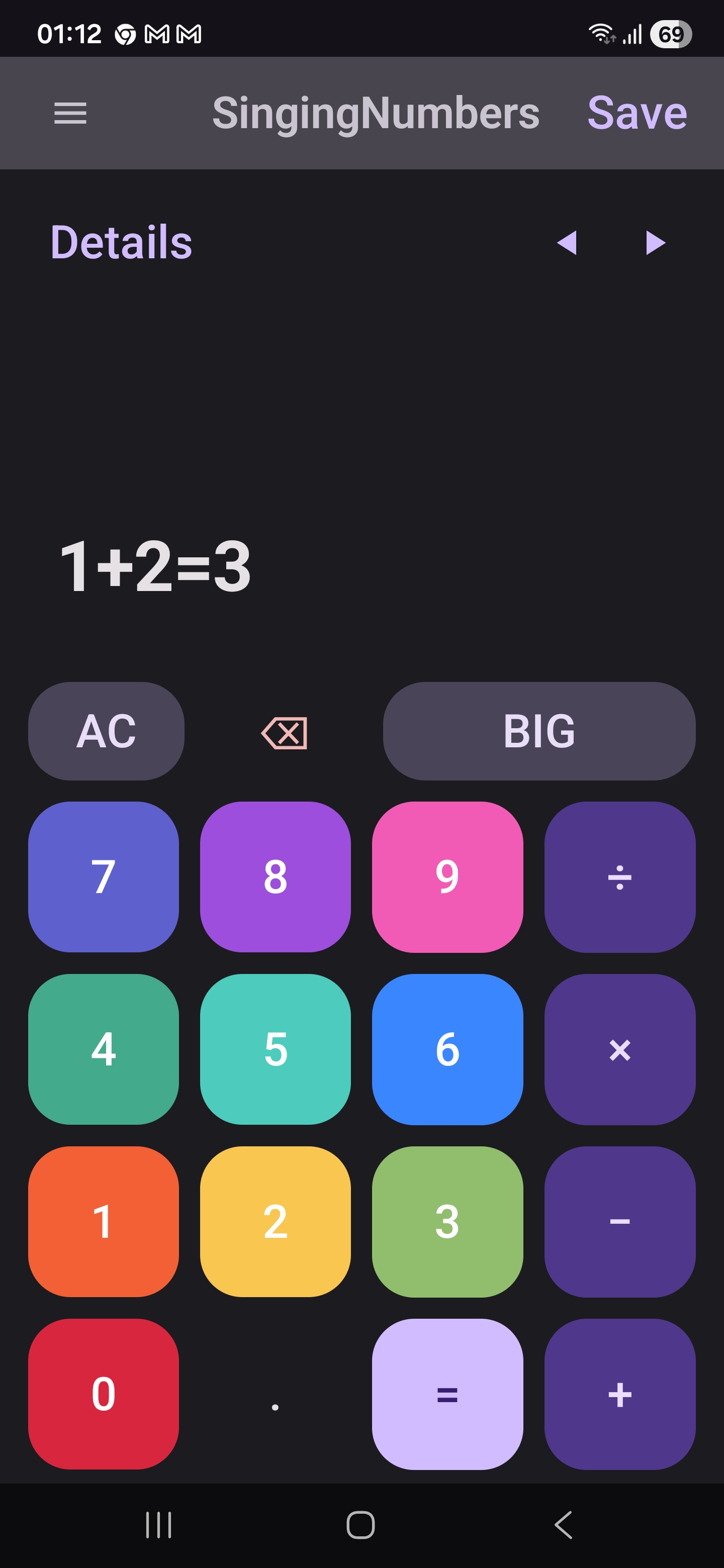
Math that makes music. Each digit plays a unique musical note —
operators stay silent but shape the note that follows
(+ accent, − soft, × legato,
÷ rest). Type 1 + 2 = and hear a short
melody (the 1, an accented 2, and the
answer 3) before you see the result. Six screens, all on-device,
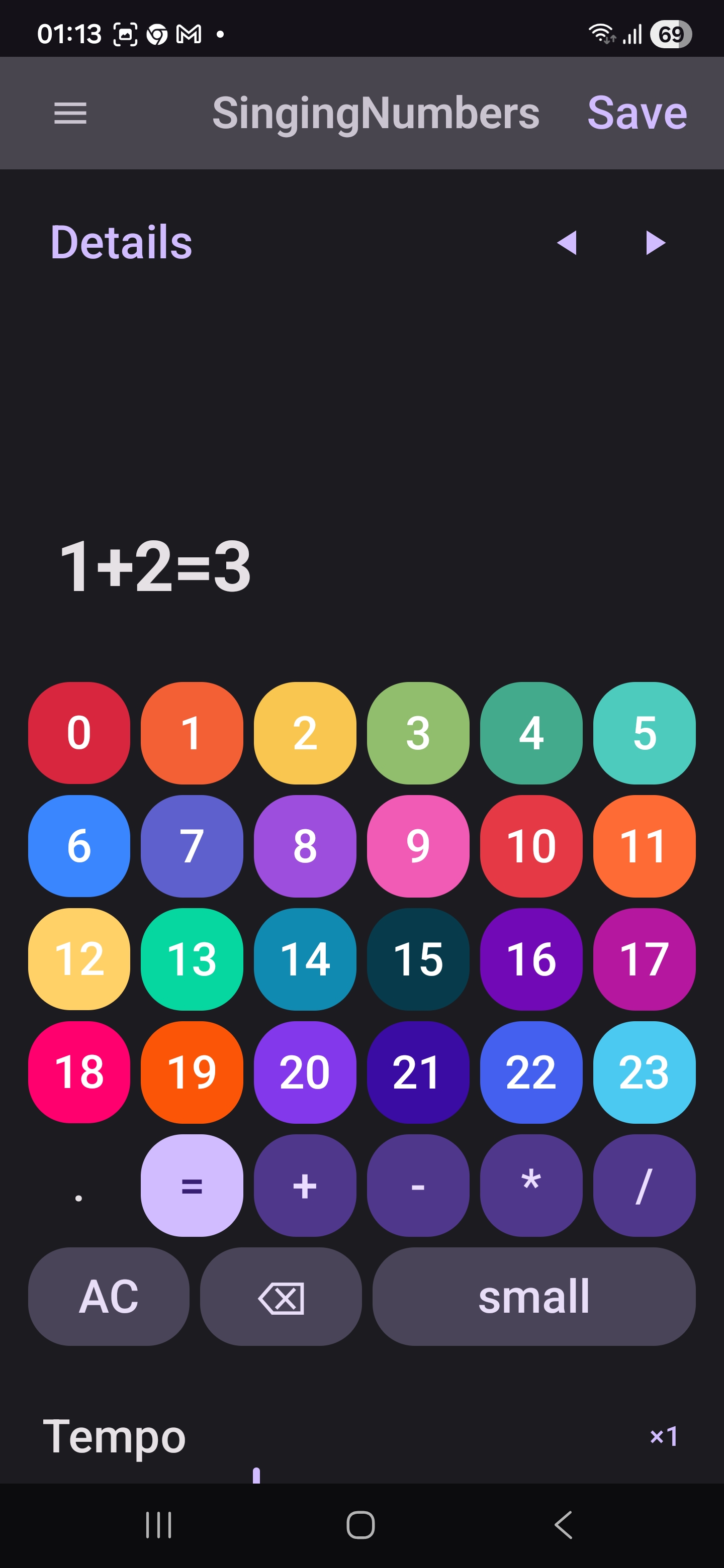
with a Big Calculator mode that extends the keypad to
24 notes (0–23) for a richer melodic range.

Why SingingNumbers?
-
100% Offline
No internet connection needed. The app is fully functional on the train, on a plane, in a basement, or anywhere else.
-
No Network Permission
The app declares only one Android permission —
VIBRATE, used for the haptic tick on button presses. No storage, no microphone, no camera, no contacts, no internet. The system can't open a network socket on its behalf. -
No Ads
Clean, distraction-free interface. No banners, interstitials, or sponsored content of any kind.
-
Nothing Transmitted
No analytics, no crash-reporting service, no telemetry. Your calculations never leave your device.
-
Free to Use
No subscriptions, no in-app purchases, no trial limits.
-
Big Calculator
Extend the keypad to 24 notes (0–23) for a richer melodic range, with self-describing multi-digit notes like
[10]. -
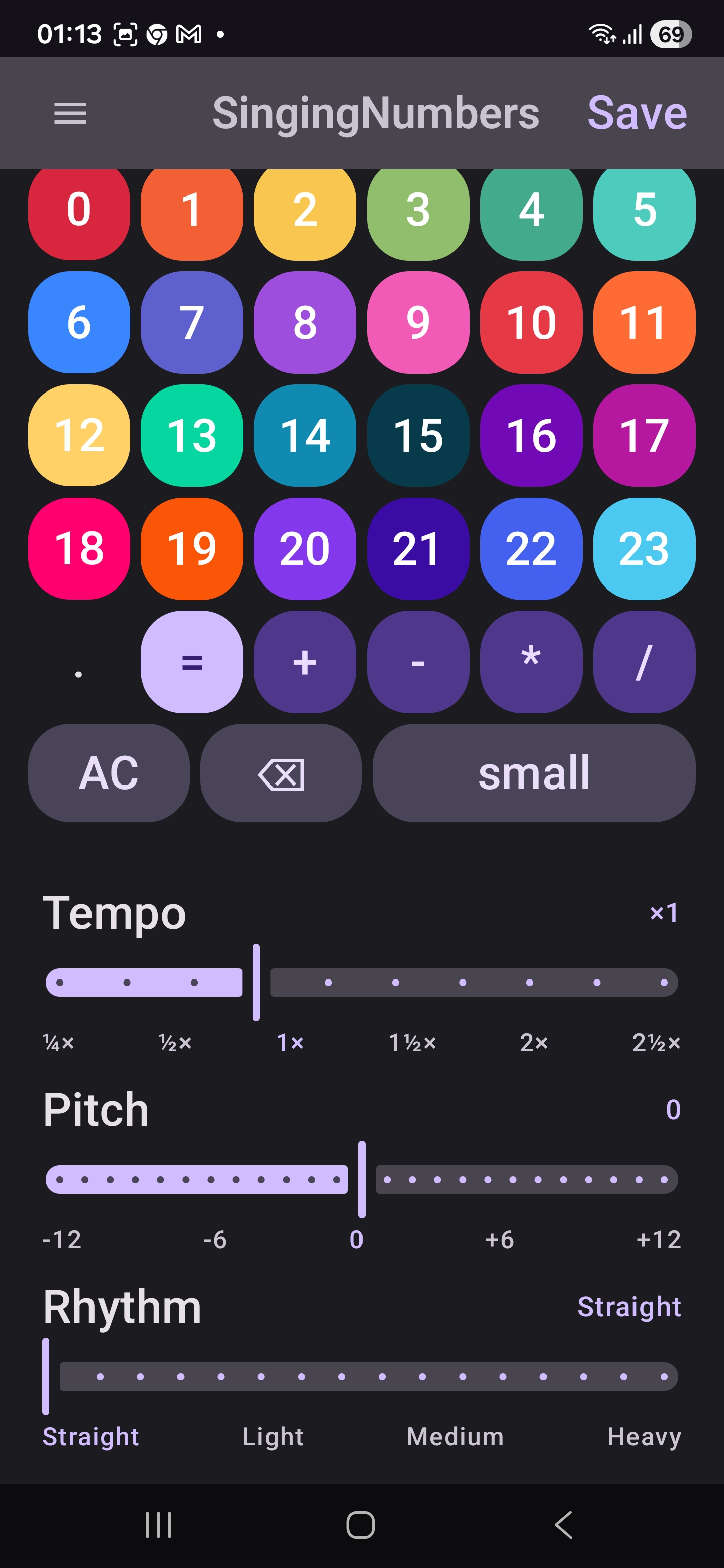
Pick Your Sound
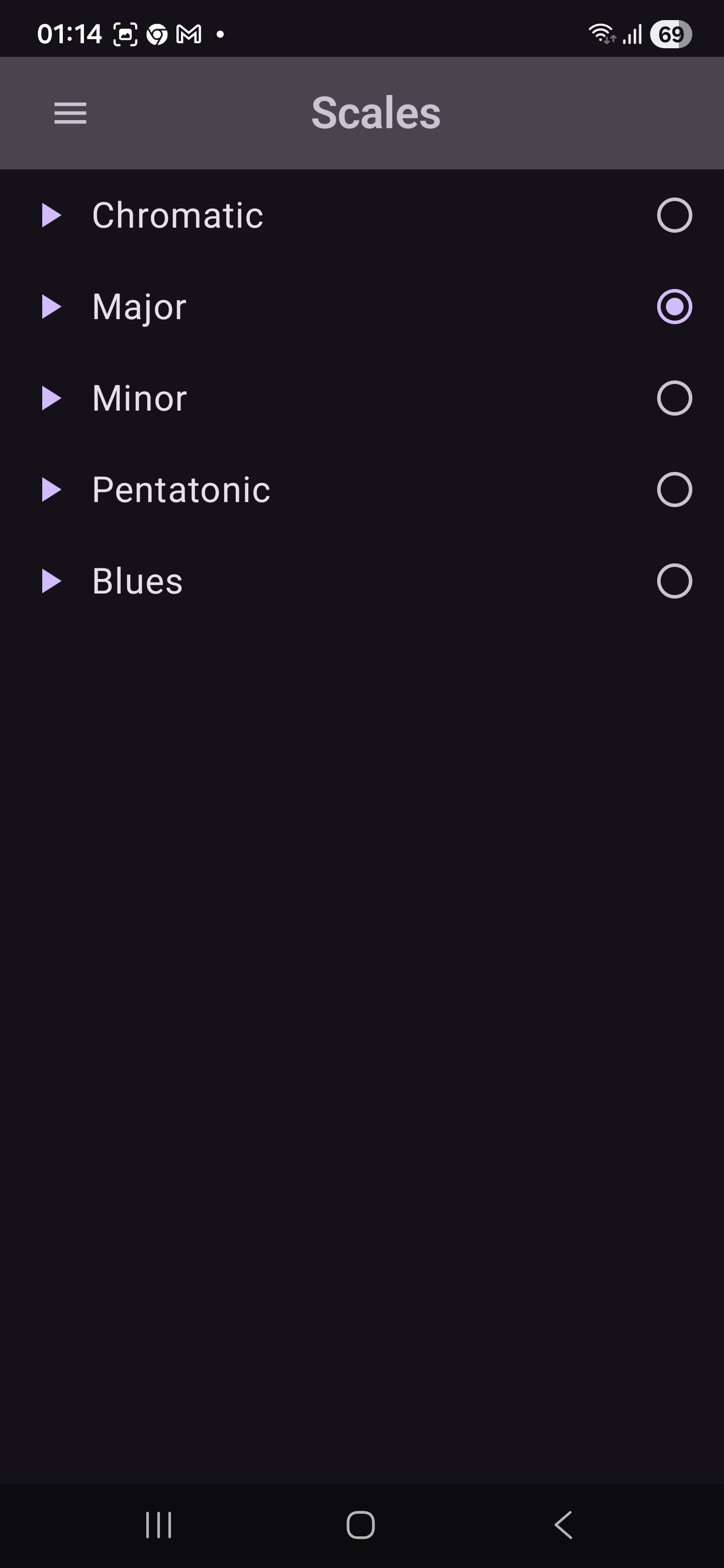
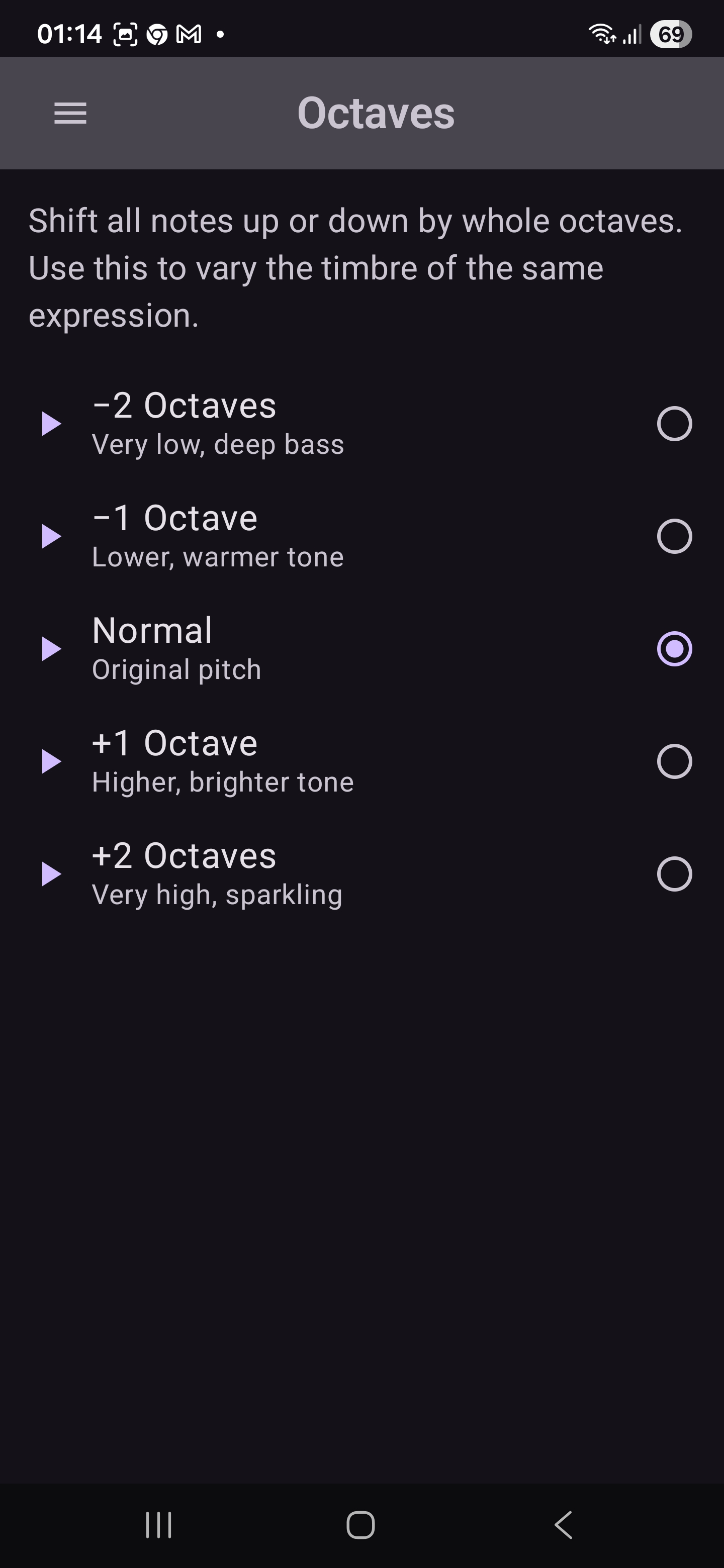
Selectable musical scales, octave range, and synthesised instrument timbres on dedicated screens.
-
Save Your Favourites
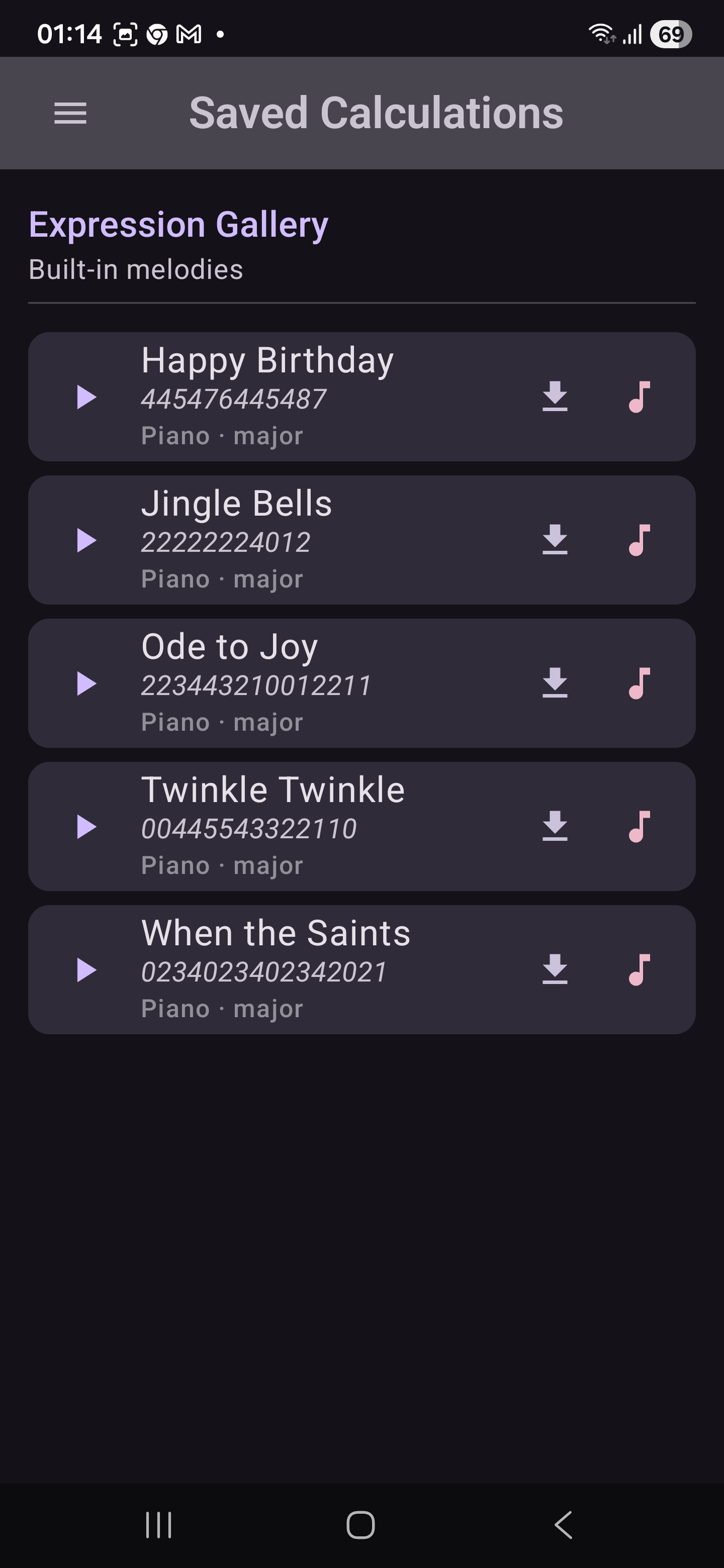
Store, rename, and replay the expressions you like best from the Saved Calculations screen.
-
Rated Teen (13+)
Rated Teen on Google Play. Suitable for younger users (no data collection, no ads, no IAP) under parental discretion.
Screenshots
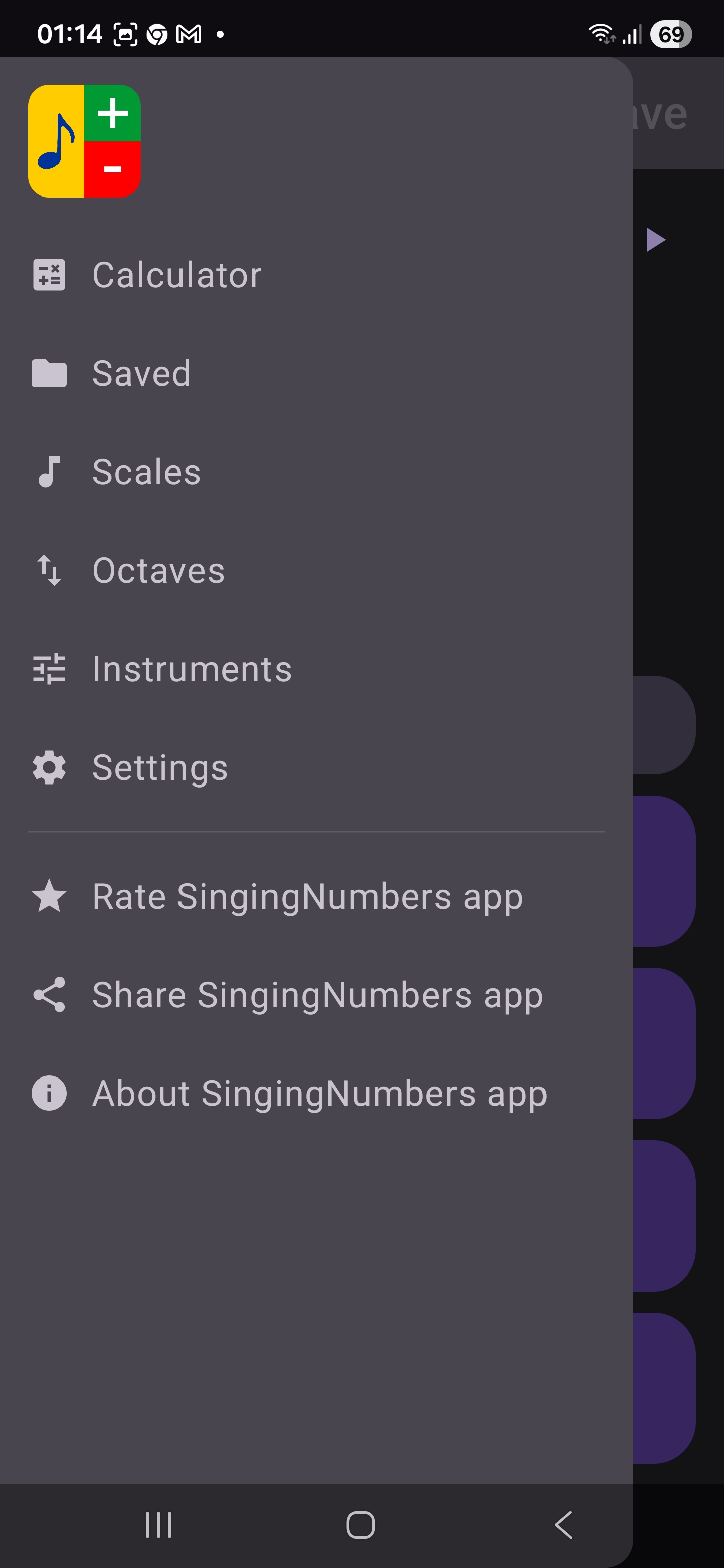
A guided tour of the SingingNumbers experience.
How it works
-
Type an expression
Each digit plays a unique musical note. Operators don't sing — they shape how the next note sounds (
+accent,−soft,×legato,÷rest). Type something like3 + 7 =. -
Hear the melody
Tap
=. It doesn't play a note itself — it triggers playback of the full expression plus the result as a short melody. -
Tune the sound
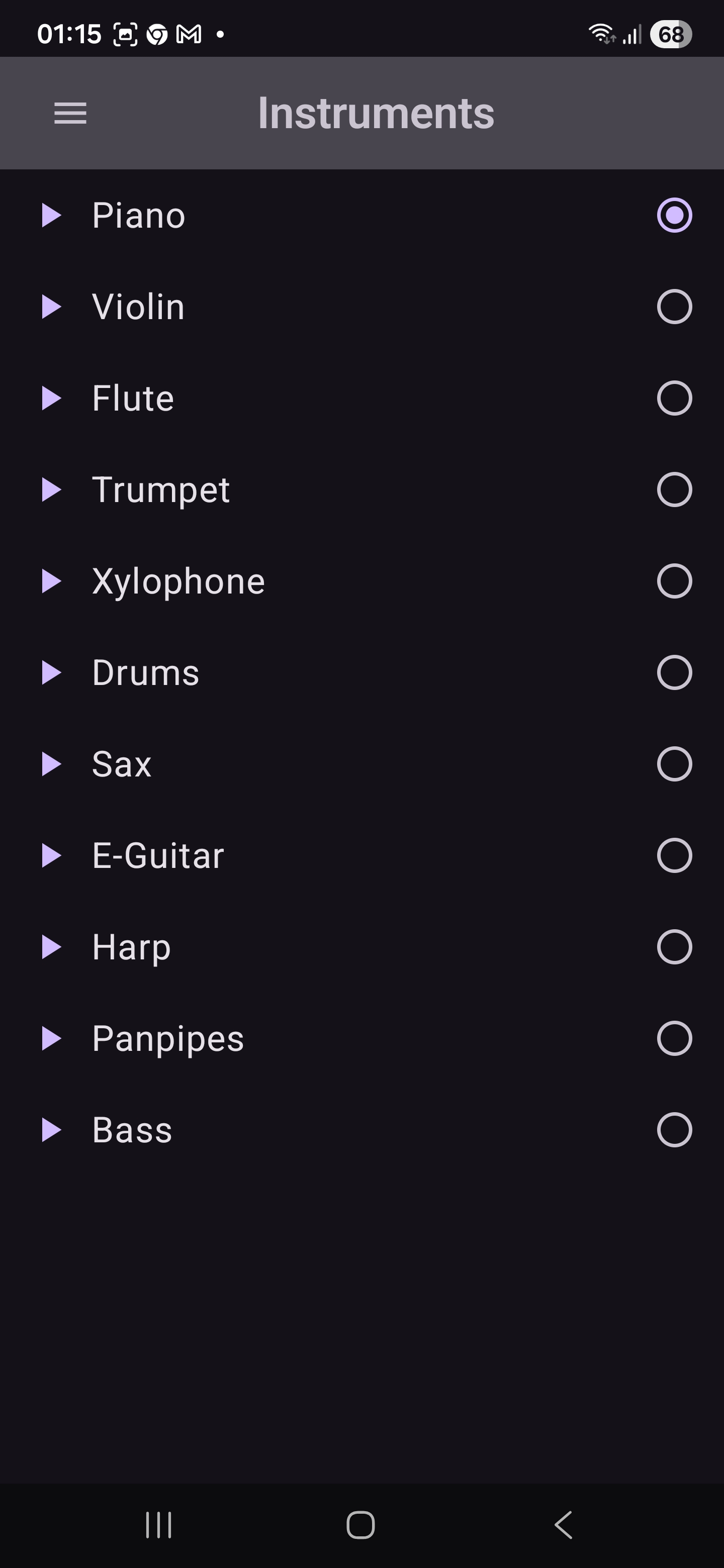
Pick a scale, an octave range, and an instrument timbre from the dedicated screens.
-
Save your favourites
Store expressions you like and replay them any time from the Saved screen.
Privacy
Nothing is sent off your device. The app has no internet permission, no analytics, no crash-reporting service, and no ads. Your calculations stay on your device and are forgotten when you clear the display. A small set of preferences (scale, octave, instrument, language, tempo / rhythm / pitch / haptic, and the Big Calculator toggle) and any expressions you choose to save via the Saved screen live on the device only — never synced, never transmitted — and are removed when you uninstall or use Android's "Clear data" option.
The manifest declares exactly one permission,
android.permission.VIBRATE — a "normal"
protection-level permission used only for short haptic ticks on
button presses. It is auto-granted by Android, never shown to the
user at install or runtime, and cannot read, store, or transmit
any data.
Rated Teen (13+) on Google Play.
Requirements
- Android 8.0 (API 26) or newer; phones and tablets.
- A few megabytes of storage. The app is delivered to your device by Google Play.
- No user-visible permissions. The manifest declares only
VIBRATE(normal protection, auto-granted, used for haptic feedback). No INTERNET, no LOCATION, no CONTACTS, no STORAGE, no CAMERA, no MICROPHONE.
Frequently asked questions
Is the app really free?
Yes. SingingNumbers has no subscriptions, no in-app purchases, and no ads.
Does it work offline?
Always. The app does not declare the INTERNET permission, so it cannot connect to the network even if it wanted to. The only permission it declares is VIBRATE (haptic button feedback), which does not access the network or any user data.
Does the app collect any data?
No. There is no analytics, no crash-reporting service, and no telemetry. The only data stored on your device is your preferences (scale, octave, instrument, language, tempo / rhythm / pitch / haptic, Big Calculator toggle) and any expressions you explicitly save via the Saved screen. None of this is ever transmitted — the app does not have the INTERNET permission — and all of it is removed when you uninstall.
What is the VIBRATE permission for?
The app uses android.permission.VIBRATE only to play a short (~20 ms) haptic tick when you press a button on the calculator. VIBRATE is a "normal" protection-level permission, so Android grants it automatically: you will never see an install-time or runtime permission prompt for it. The permission only drives the device's vibration motor — it cannot read, store, or transmit any data.
Which Android versions are supported?
Android 8.0 (API level 26) and newer, on phones and tablets. The app supports light, dark, and Android 12+ dynamic Material You themes.
Is it suitable for children?
It is rated Teen (13+) on Google Play. There are no ads, no data collection, and no in-app purchases, so it can be used by younger users under parental discretion.
What is "Big Calculator" mode?
An extended keypad that exposes 24 notes (0–23) instead of the standard 10, for a richer melodic range. Multi-digit notes are displayed as self-describing chips like [10].
What about accessibility?
The app ships with TalkBack labels, polite live-regions for state changes, system font scaling, and a built-in dark theme.
Ready to make math sing?
SingingNumbers is live on Google Play — free, fully offline, no ads, no tracking, one Android permission (VIBRATE) and nothing transmitted off your device.